1. Best overall upgrade
24 or 27 inch monitor
VSH take: A bigger screen at eye level makes study and work much easier on your neck and eyes.
Who it’s for: Anyone working from a laptop for hours.
Skip it if: You move between rooms all day.
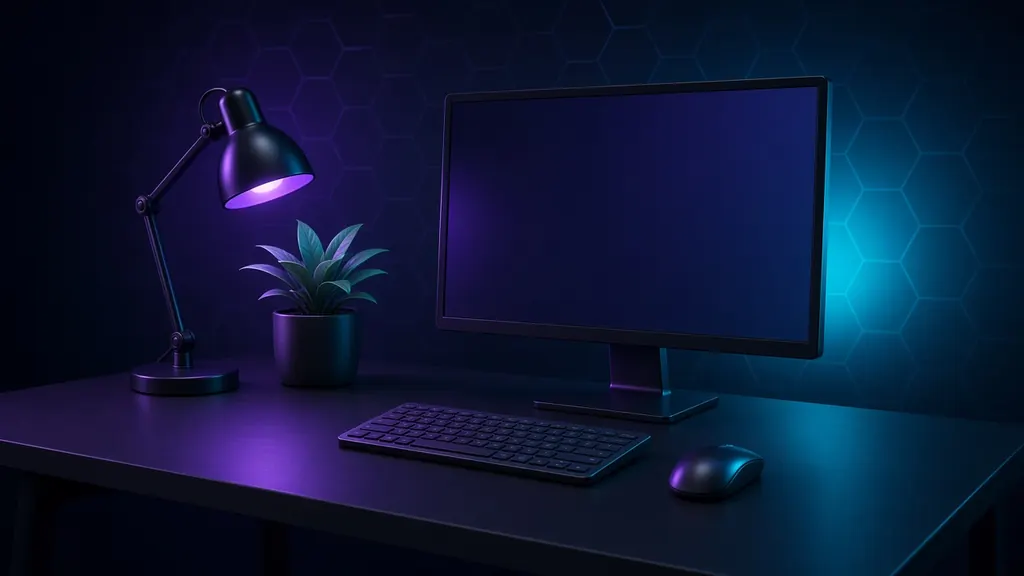
A good desk setup is not about looks. It is about sitting comfortably for hours, seeing clearly and keeping your space calm. Start with the screen height and the chair, then add light and tidy cables.
Disclosure: As an Amazon Associate I earn from qualifying purchases. Links marked “Check price on Amazon.ca” are affiliate links. We choose products for usefulness, not commission, and we never show prices or ratings because they change. See our affiliate disclosure.
Updated October 20, 2026 · By the ViralScopeHub team (HSP)
| Award | Pick | Best for | Amazon.ca |
|---|---|---|---|
| Best overall upgrade | 24 or 27 inch monitor | Anyone working from a laptop for hours. | Check price |
| Best budget | Adjustable laptop stand | Students and laptop users. | Check price |
| Best for typing | Wireless keyboard and mouse combo | Essay writers and remote workers. | Check price |
| Best lighting | LED desk lamp with adjustable colour | Dim rooms and late-night studying. | Check price |
| Best for comfort | Lumbar support cushion and footrest | Anyone who cannot replace their chair. | Check price |
| Best tidy-up | Desk mat and cable management kit | Busy desks with lots of cables. | Check price |
| Best premium | Standing desk or desk converter | Remote workers and serious students. | Check price |
We followed basic ergonomics advice such as screen at eye level and elbows near 90 degrees, then checked reviews from office and tech testers. We favour simple, long-lasting accessories over trendy gear. No prices or ratings are shown because they change.
1. Best overall upgrade
VSH take: A bigger screen at eye level makes study and work much easier on your neck and eyes.
2. Best budget
VSH take: Raises your laptop to eye level. Pair with a keyboard and mouse.
3. Best for typing
VSH take: Lets you use a laptop stand and type comfortably.
4. Best lighting
VSH take: Reduces eye strain during evening study.
5. Best for comfort
VSH take: Cheap ways to make an ordinary chair much more comfortable.
6. Best tidy-up
VSH take: A calm, clean desk helps focus, and it protects the surface.
7. Best premium
VSH take: Switch between sitting and standing during long days.
A screen at eye level, a comfortable chair, a keyboard and mouse, good lighting and a way to manage cables.
Add a laptop stand, an external keyboard and mouse, and a desk lamp. These are low cost and make a big difference.
No. Prices change often, so we link to Amazon.ca where you can see the current price before you buy.